Posted on Leave a comment

How to Fix Premium TV Sagging and Drooping

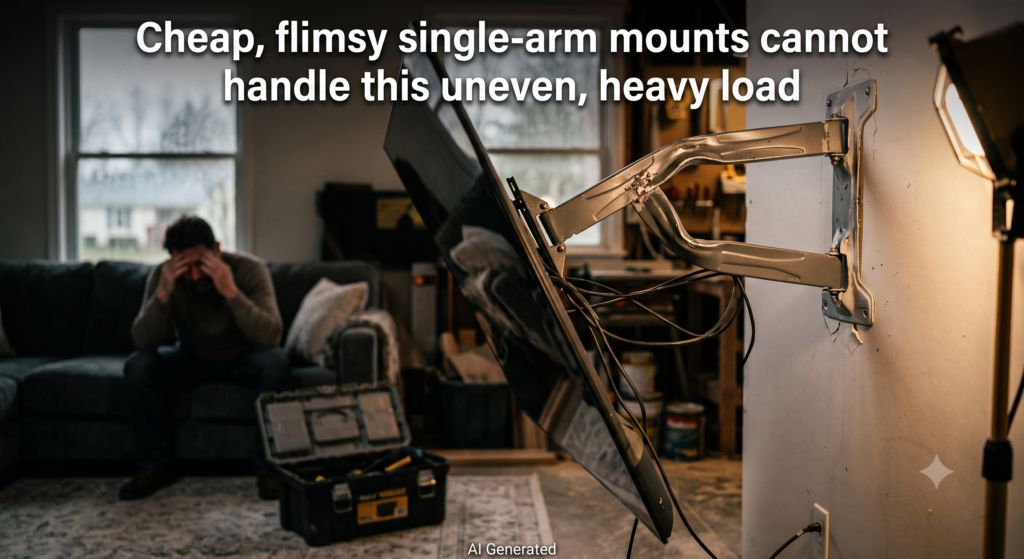
As homeowners invest thousands of dollars in massive 65″ to 95″ screens and ultra-thin, high-end OLED TVs, safety becomes a massive anxiety. Due to the unique construction of modern OLEDs—which feature an extremely thin panel at the top and a thick base at the bottom housing the electronics—their center of gravity is significantly lower than traditional LED displays. Cheap, flimsy single-arm mounts cannot handle this uneven, heavy load [21, 50]. Over time, the joints warp, causing the TV to sag, droop forward, or even risk ripping out of the wall, creating constant stress for the owner.

AEON Solution: Engineered with a heavy-duty, reinforced 6-arm dual articulating structure made of high-grade tempered steel, AEON supports up to 150 lbs (90.8 kg) with absolutely zero sagging or warping, keeping expensive displays rock-solid and safe 

Posted on Leave a comment

How to Mount a TV on Off-Center Studs Without Crooked Placement

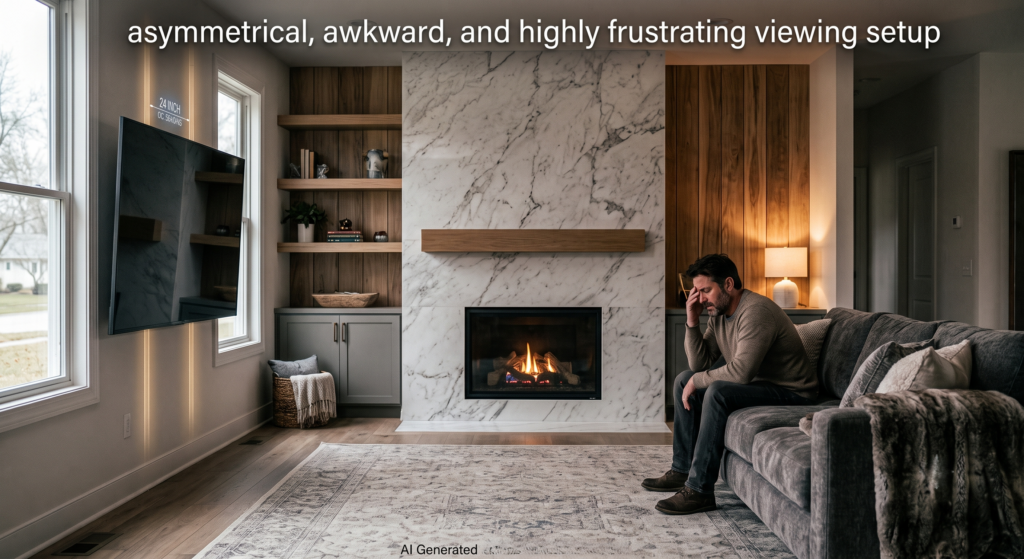
Wooden studs inside American walls are rarely placed exactly where homeowners want their TV to go—such as the precise center of a living room wall, aligned with a sofa, or centered above a fireplace. Standard fixed mounts force the TV to sit exactly where the studs dictate. This results in an asymmetrical, awkward, and highly frustrating viewing setup that ruins the room’s interior design and aesthetics.

AEON TV Wall Mounts Solution

AEON’s unique 14-inch lateral shift sliding arm allows users to smoothly slide the television left or right along the wall bracket after installation. It provides perfect “room correction” to center the TV flawlessly without drilling new holes

Posted on Leave a comment

How to Hide TV Cables: A Professional Guide for Homeowners

Achieve a Clean, Cable-Free TV Setup

Tired of a tangle of wires ruining your clean living room aesthetic? Whether you are in Florida or California, achieving a sleek, minimalist home theater setup is easier than you think. At AEON TV Wall Mounts, we specialize in professional-grade mounting solutions that prioritize both function and style.

Here is our expert guide on how to manage your cables, regardless of your wall type.

How to Hide TV Cables Without Cutting Wall

For renters or homeowners who prefer a non-invasive approach, you don’t need to cut into your drywall to hide your wires.

  • Use Paintable Cord Covers: Adhesive-backed cable raceways are the most popular “hide-in-plain-sight” solution. Once installed, you can paint them to match your wall color, effectively making them invisible.
  • Leverage Integrated Mounts: The easiest way to manage cables is to prevent them from dangling in the first place. Our Full-Motion TV Mounts are engineered with built-in cable management channels, allowing you to route cords directly through the arm of the mount for a clean, professional finish.

Best Ways to Hide TV Wires on Brick or Concrete

Solid surfaces like brick or concrete present unique challenges because you cannot fish wires through them.

  • Surface-Mounted Solutions: If you are mounting to a concrete or brick wall, use decorative, surface-mounted cable raceways.
  • Complete the Look: Pair these covers with our Low Profile Fixed TV Mounts. These models are designed to keep the TV profile low to the wall, minimizing the visible gap where wires connect, which is essential for maintaining that Scandi-style minimalist aesthetic you love.

How to Hide TV Cords on Entertainment Center

If your setup involves an entertainment center, the goal is to group cables together to eliminate visual clutter.

  • Utilize Cable Management Boxes: These boxes hide power strips and excess cable lengths, keeping your floors or console tops tidy.
  • Strategic Bundling: Use Velcro ties to bundle your HDMI and power cables together, then secure them to the back leg of your furniture.
  • Choose Equipment with Cable Control: When shopping for a new setup, prioritize hardware that helps you stay organized. Explore our full range of Premium TV Mounts, which are designed to support a clutter-free environment.

Local Service & Expert Support

At AEON TV Wall Mounts, we are proud to serve our clients nation wide. Whether you are looking for specific audio-visual mounting hardware or need advice on the best setup for your home, our team is here to help.

Ready to upgrade your home theater? Visit our online store or contact us today to learn more about our latest product releases.
Posted on Leave a comment

Can I mount this on 24-inch on-center wood studs?

The AEON-45200 model is specifically designed for 16-inch on-center wood studs and cannot be mounted directly to 24-inch studs.

If your walls have 24-inch on-center studs, you have two main options based on the sources:

  • Purchase the AEON-45250 Model: The manufacturer offers an alternative version of this mount, the AEON-45250, which features a wider 26-inch backplate specifically designed to safely span 24-inch on-center wood studs.
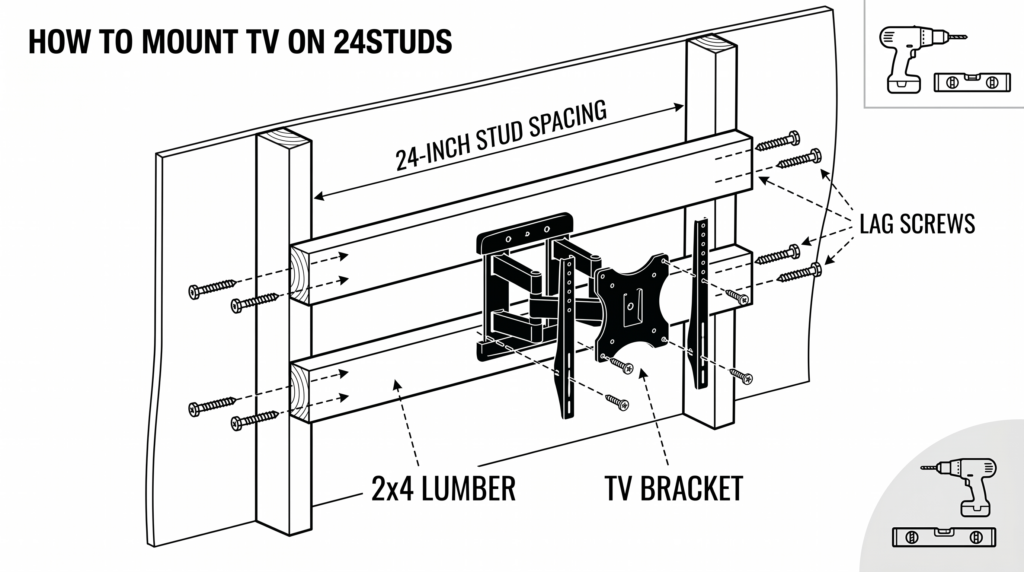
  • Use a DIY Wood Backing: If you already have the 16-inch AEON-45200 mount, you can bridge the 24-inch gap between your studs using sturdy wood. You can cut a thick piece of plywood or lumber (such as 2x4s or a 2×10) to span the distance, secure the wood into your 24-inch studs using lag screws, and then securely mount the AEON-45200 bracket directly onto the wood backing.
Posted on Leave a comment

What tools are required for a wood stud installation?

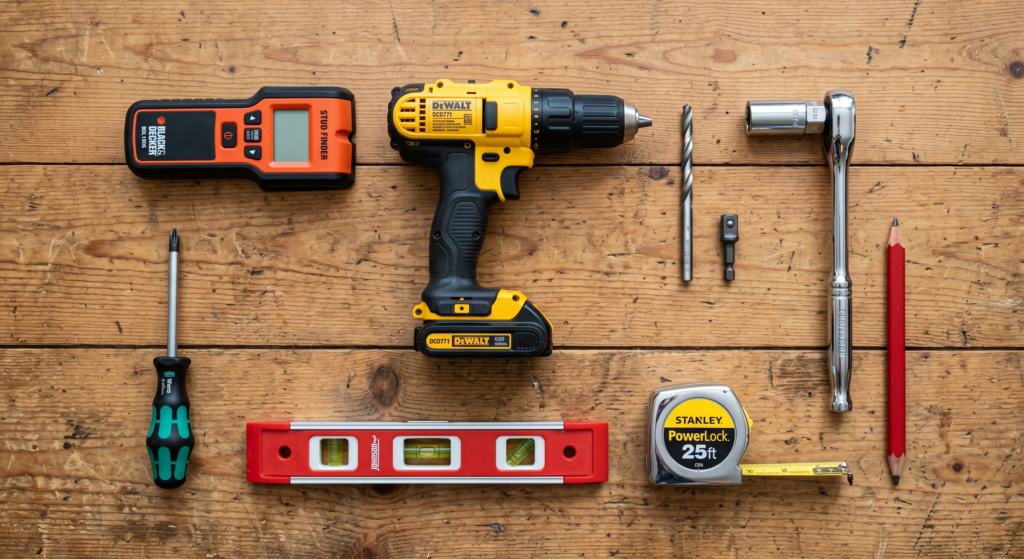
For a wood stud installation of the TV mount, you will need the following tools:

  • Stud finder: An “edge-to-edge” stud finder is recommended to accurately locate the center of the wooden studs.
  • Standard drill: A regular drill is sufficient, whereas a hammer drill is only needed for concrete installations.
  • 1/4″ drill bit: This specific size is required for drilling pilot holes into wood studs.
  • 1/2″ socket wrench or bit driver: Required for tightening the wood screws/lag bolts.
  • Phillips screwdriver.
  • Level.
  • Tape measure.
  • Pencil.